






 Desktop app
Windows
Your vault on your computer, at work and at home.
(opens in a new tab)We recommend the Microsoft Store - it installs without system warnings.Download Inlockly
On your computer, your phone, and in your browser. Pick an app and use Inlockly wherever you are.
See all apps ↓ One Inlockly. All your devices.
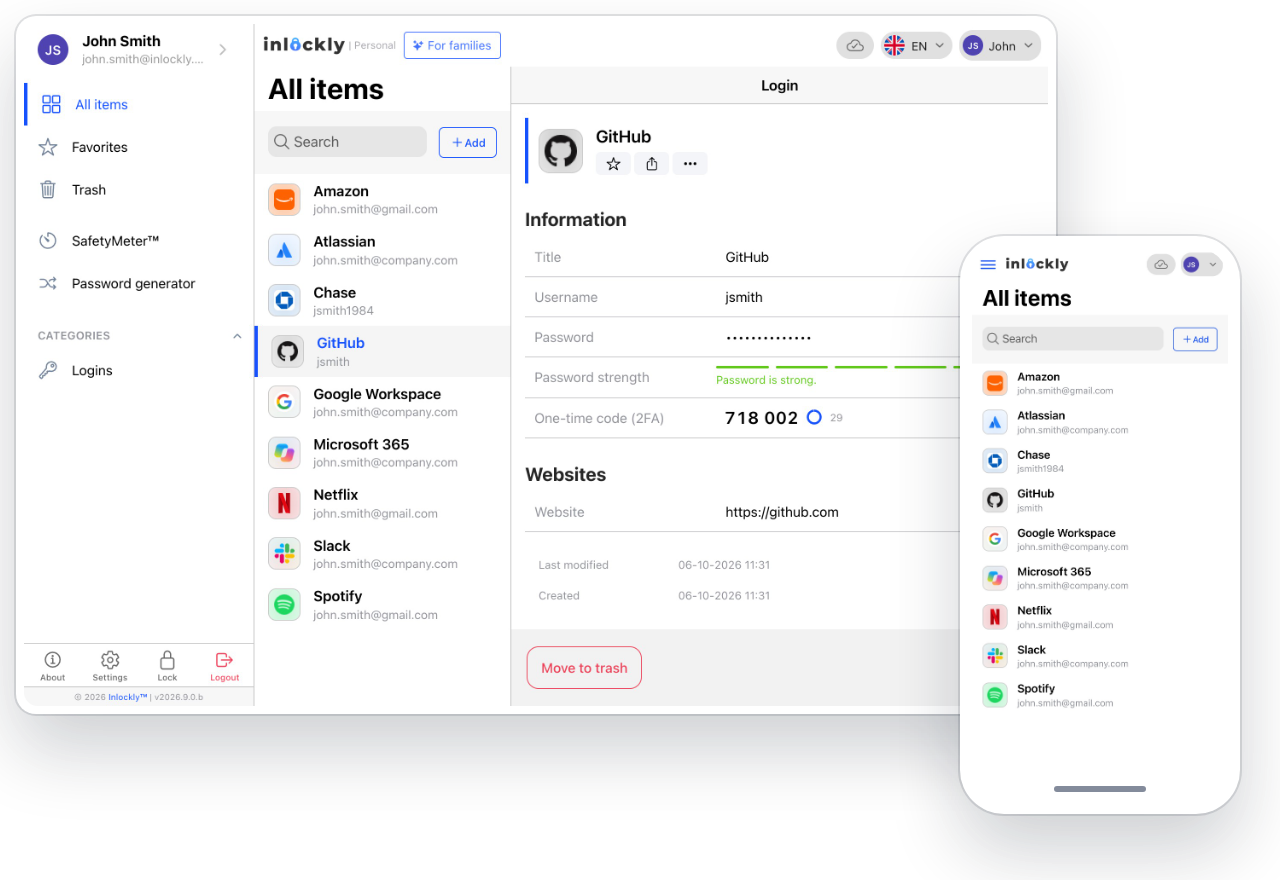
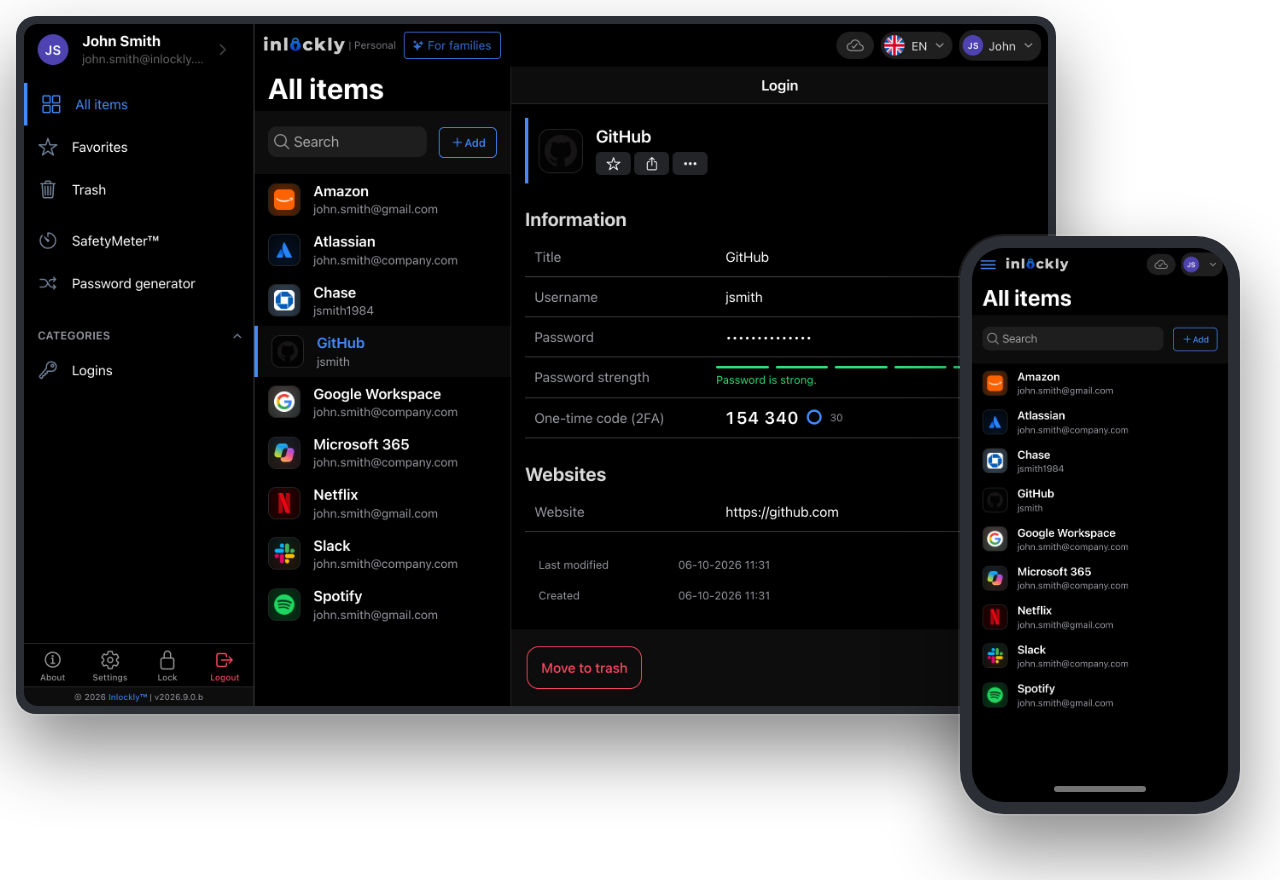
Private data. Encrypted vault.
01 / On your computer
Store, organize, and search your logins in the desktop app.
Desktop appYour vault on your computer, at work and at home.
(opens in a new tab)We recommend the Microsoft Store - it installs without system warnings. Desktop app
All your logins at hand on your Mac.
(opens in a new tab)Pick the version that matches your system. Desktop app
Secure access on the system you work with.
(opens in a new tab)Pick the version that matches your system.Installers: release 2026.2.5 · November 2, 2026 · Changelog →
Compare the hash of the downloaded file, e.g. with shasum -a 256 <file> (macOS, Linux) or Get-FileHash <file> (Windows).
405c142483a8b8afe9e4b84a155ebf73fd6bffd71e09fc292f40917759d48726fcbba322c370ea92aca5133367f94a810c1d44cfadc8635d4e52bb5b7bcb53abc0b5aa3d112b97c877a1ac1c0850f7e15dd2a9437eb59dfda4fe9d9fd555d6549879fe01653025ac779fb94badeaa8747ea4e76921d110b3f394b9164119c0398484d19a8512437fb834d0fabe8b8bfddde103b8d72030c054314785512f306c8332fb9c8391edc5f4893bdc8c1562940fde57a475ae05aa4372718066c7e011756ed72084c3c24ca604ea1f00d67669be4f8a201115d16d67410932f6f80fb961d3d2c9df46b0f53cac1c0a38d1fda6f7f55f88281a54e405fc0b9829da5140f3c734accd6f5fc170420395ba9a6676b013cf5fedf5fcb848c8e3e76061a1aa646e7c2a78fc875117cde6823043f1447b90b82d27e2ca7ead4bb8c390fc41509784fdbf2e65f479e1d4238474749a740823ee34ac9423045b08b997beebcb9f02 / On your phone and tablet
Sign in easily even when your laptop stays at home. Your accounts are always at hand.

On iPhone and iPad.
(opens in a new tab)
On phones and tablets.
(opens in a new tab)Android without Google Play? Download the APK (2026.2.5 · 14.6 MB) or install from Huawei AppGallery ↗
03 / In your browser
Add the extension to save logins and fill them in without leaving the page.
Inlockly right where you sign in
A suggestion appears next to the login form. One click inserts your saved username and password.
Extension preview · sample dataInlocklymail.example↵Pick an account from the Inlockly suggestion.
Nothing to install
Sign in to the Inlockly web app. Available on paid plans.
New to Inlockly?
Sign up or sign in on the app of your choice.
Create an account ↗Import logins from your browser or another password manager.
See how to start ↗Add the browser extension or set up Inlockly on your phone.
Choose an extension ↓The Free plan covers one device. Need more? Compare plans ↗
We're here to help
From your first sign-in to picking the right app.