For organizations with custom needs

Your organization.
Your rollout terms.

Let's start with your organization's requirements. We'll discuss scale, infrastructure, and how you manage access, then work out the terms that fit.

Enterprise · custom pricing and rollout scope

Rollout plan
Organization scopeLet's talk
Your own infrastructureLet's talk
Terms of engagementLet's talk
AK
Your IT teamThe Inlockly team

From requirements to a shared plan.

Feature illustration · sample data

Security built in from the ground up.

Explore security
AES-256-GCMData encryption
RSAPublic-key cryptography
Argon2idKey from your master password
Zero-knowledgeYour data stays yours

A risk that comes with everyday work

More accounts.
More ways in.

Protecting your organization also starts with everyday sign-ins. Combine IT requirements with a tool your employees will actually use - and a rollout tailored to your company.

Data from Microsoft's observations described in its 2025 report. Share of attacks, not of employees or compromised accounts.

01 / Designed for you

Needs first.
Then the rollout plan.

  • Terms that fit your scale.

    Discuss preferred terms and pricing prepared for your organization.

  • Let's talk infrastructure.

    The Enterprise option includes deployment on your own infrastructure. We define the scope together.

  • Evaluate the data protection model.

    Share our Security Whitepaper with your IT team and discuss your security requirements before rollout.

Features in action

More than a license. A rollout tailored to your company.

Take a closer look at the features that meet your everyday needs.

01 / Self-hosted

Inlockly wherever your organization needs it.

Discuss deploying on your own infrastructure. Shape the rollout around your IT team's requirements and the support model you agree on.

Your infrastructure
Your organization's environment
InlocklySelf-hosted deployment

Your team's devices

Enterprise option · sample data

02 / Custom branding

A company tool your team recognizes.

Custom branding helps Inlockly fit into your organization's environment. We agree on the scope of customization as part of the Enterprise rollout.

A workspace with your brand
FYour companyCompany vault
Sign in to your workspace
Try a color

Branding example · sample data

03 / Rollout and training

Don't stop at installation. Help people get started.

Tailor the rollout and training program to admins and employees. Cover import, resource structure, permissions, and day-to-day work.

Rollout and training plan
AdminsPermissions
EmployeesEveryday use
IT teamArchitecture

A program tailored to your roles and needs.

Scope to be agreed · sample data

04 / Custom terms

One conversation about the whole rollout.

Turn business and technical requirements into a concrete scope: scale, infrastructure, customization, and team readiness. Pricing follows from what we agree on.

Agreed before rollout
Organization sizeTo be defined
InfrastructureTo be discussed
Branding and trainingTo be agreed
Let's talk about your requirements →

A shared plan · sample data

The scope of rollout, branding, and training is agreed individually. Compare plans →

Inlockly / Your vault
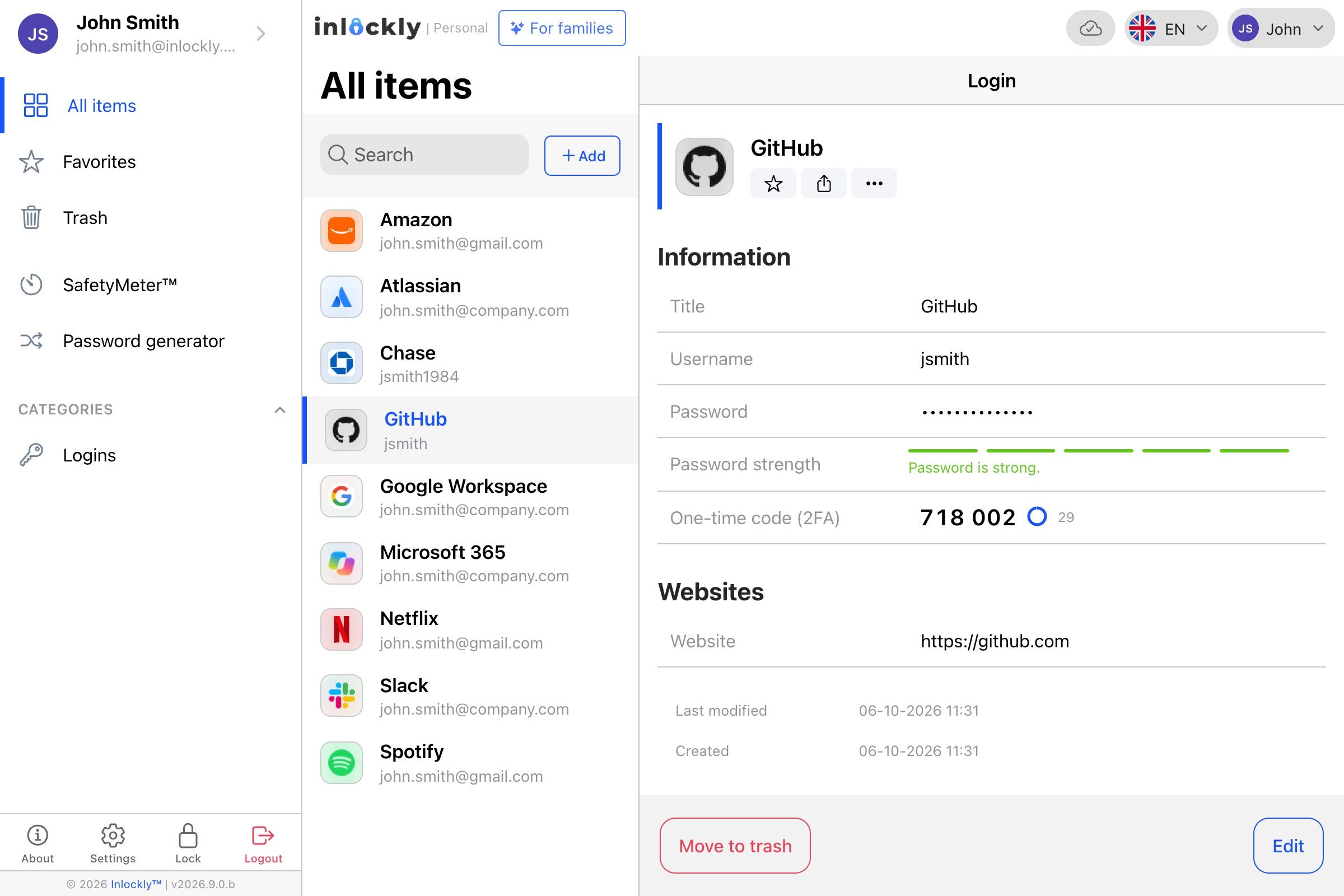
The Inlockly app showing a list of saved itemsThe Inlockly app showing a list of saved items

02 / In everyday use

Good decisions start with specifics.

Gather requirements from your business and IT teams. Together, we'll discuss your organization's scope, how to roll out, and the terms of working together. The technical decisions become the foundation for the next steps.

Read the security whitepaper

Tailored to your world

From IT requirements to day one.

Let's settle not just where Inlockly runs, but also who manages it and how your team starts using it. A well-planned rollout connects technology with everyday habits.

  • Requirements gathered before pricing
  • Rollout scope agreed with your company
  • A training program tailored to each role
  1. 01
    Requirements and architecture

    Infrastructure, scale, and your data protection model.

  2. 02
    Setup and preparation

    Agreed branding, resources, and permissions.

  3. 03
    Training and launch

    Admins and users ready to get to work.

03 / A good start

Let's plan it together.

  1. Tell us your requirements

    Define your organization's scale, goals, and your IT team's expectations.

  2. Discuss architecture and scope

    Review the security model and the deployment terms.

  3. Agree on rollout terms

    Settle pricing, responsibilities, and next steps.

Need some guidance? Talk to us about rollout →

04 / Good to know

Have questions?
Start here.

Can I deploy Inlockly on my own infrastructure?

Our current Enterprise offering includes that option. We work out the technical requirements and rollout scope during our conversation.

How does pricing work?

It's prepared individually, based on your organization's needs and the agreed scope of work.

Where can I find security documentation?

In our Security Whitepaper - online and as a PDF you can pass on to your IT team. For admins, we've prepared deployment recommendations.

Inlockly for enterprise

Let's plan your next step.

Enterprise · custom pricing and rollout scope

Talk to us about Enterprise