For you

Remember what matters.
Leave passwords to Inlockly.

Save your logins, create strong passwords, and sign in with less hassle. Your important data in one private vault - right there when you need it.

Personal plan · 1 person · unlimited devices

Private vault
Personal email••••••••
Online shopping••••••••
Important notes••••••••
AK
Just your accountYour devices

One place for your digital life.

Feature illustration · sample data

Security built in from the ground up.

Explore security
AES-256-GCMData encryption
RSAPublic-key cryptography
Argon2idKey from your master password
Zero-knowledgeYour data stays yours

Why it's worth starting

A strong password shouldn't depend on a good memory.

Convenience matters. Build better habits without memorizing an ever-longer list of logins.

46%

of U.S. adults have chosen a password that's easier to remember, even if it may be less secure.

Self-reported by U.S. adults; not a measure of actual password strength.Pew Research Center · 2023 ↗
69%

of U.S. adults say they feel overwhelmed by the number of passwords they have to keep track of.

Survey of U.S. adults, May 2023.Pew Research Center · 2023 ↗

Data from third-party research. These are not Inlockly user results or a claim about Inlockly's effectiveness.

01 / Designed for you

Less to remember.
Better habits every day.

  • A different password for every account.

    Generate strong, unique passwords and save them in your vault instead of coming up with yet another variation of the same one.

  • Sign in without retyping.

    Pick a saved account and fill in your details with the browser extension.

  • Know what to fix.

    SafetyMeter™ helps you spot weak and reused passwords, plus data breach alerts.

Features in action

Small conveniences. A big difference every day.

Take a closer look at the features that meet your everyday needs.

01 / Unique passwords

Don't settle for easier. Generate stronger.

The generator creates a password for each new account, and your vault remembers it. No need to reuse the same password for email, shopping, and the next app.

Read more
Password generator
n7$Km!4vR9#xP2@z

02 / Autofill

Save it once. Sign in without retyping.

The extension suggests the accounts saved for the site you're on. Pick the right login and get on with what you came to do.

Read more
Sample sign-in form

Pick an account from the Inlockly suggestion.

03 / SafetyMeter™

Know which password to change first.

See weak and reused passwords, plus breach alerts. Instead of second-guessing every account, start with the ones that need attention.

Read more
SafetyMeter™
Private vaultLast scan: just now
Average strength of your passwords
18 Strong4 Good3 Weak1 Very weak
4 passwords to change. Start with "Online store."
Feature preview · sample data

04 / TOTP codes

Your sign-in code sits right next to your password.

Save the TOTP setup in a vault item. Inlockly generates one-time codes, and supported autofill helps you with the next sign-in step.

Read more
Item details
Email address[email protected]
Password••••••••••••••
One-time code
30
A new code every 30 seconds
Demo code · not valid for sign-in
Feature preview · sample data

05 / MFA and biometrics

More protection. Less typing.

Turn on an extra sign-in factor for your Inlockly account. In the mobile app, use supported biometrics to unlock your vault more easily.

Read more
Account and vault protection
Unlock your vault

Face ID, Touch ID, or fingerprint.
In the supported mobile app.

Simulation · doesn't use your device's biometrics

Feature preview · sample data

06 / Private vault

Not just passwords. Everything you want close at hand.

Organize logins, notes, and other sensitive data in an encrypted vault. With the Personal plan, you can reach them on all your devices.

Your private vault
Personal emailLogin
Important notesNote
Bank accountsDetails

Contents encrypted on your device

Feature preview · sample data

Features shown for the Personal plan. See the plan comparison for full availability. Compare plans →

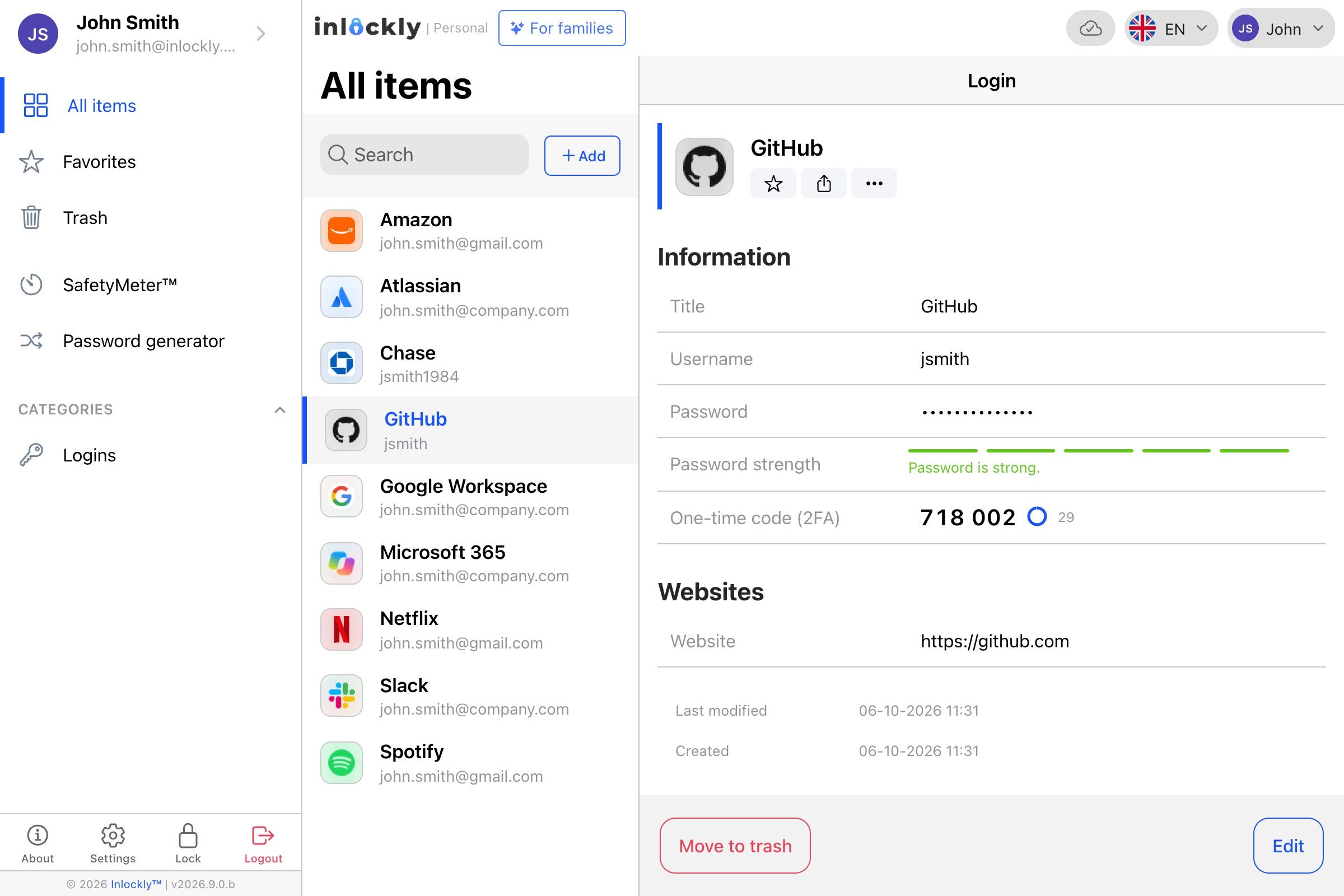
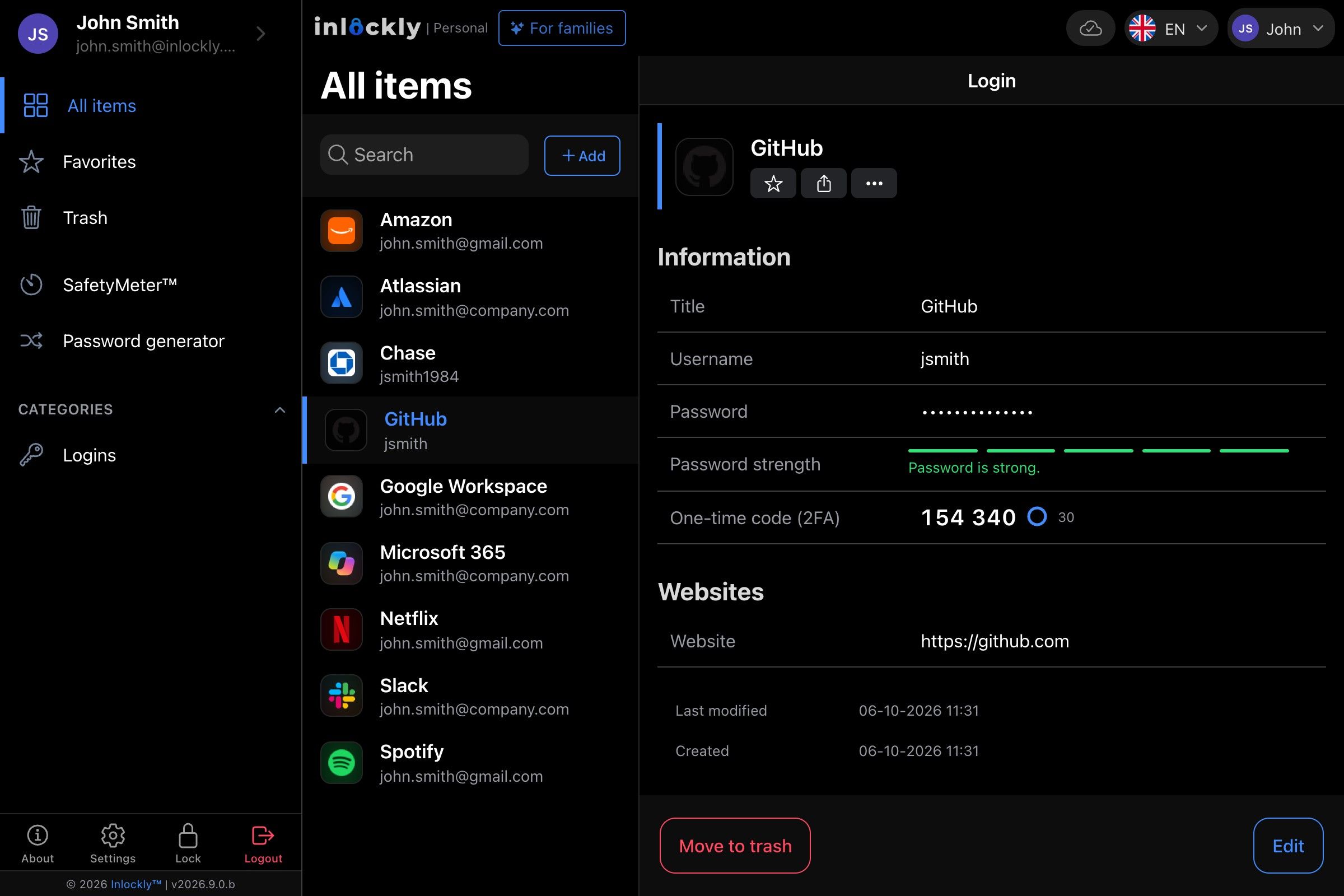
Inlockly / Your vault
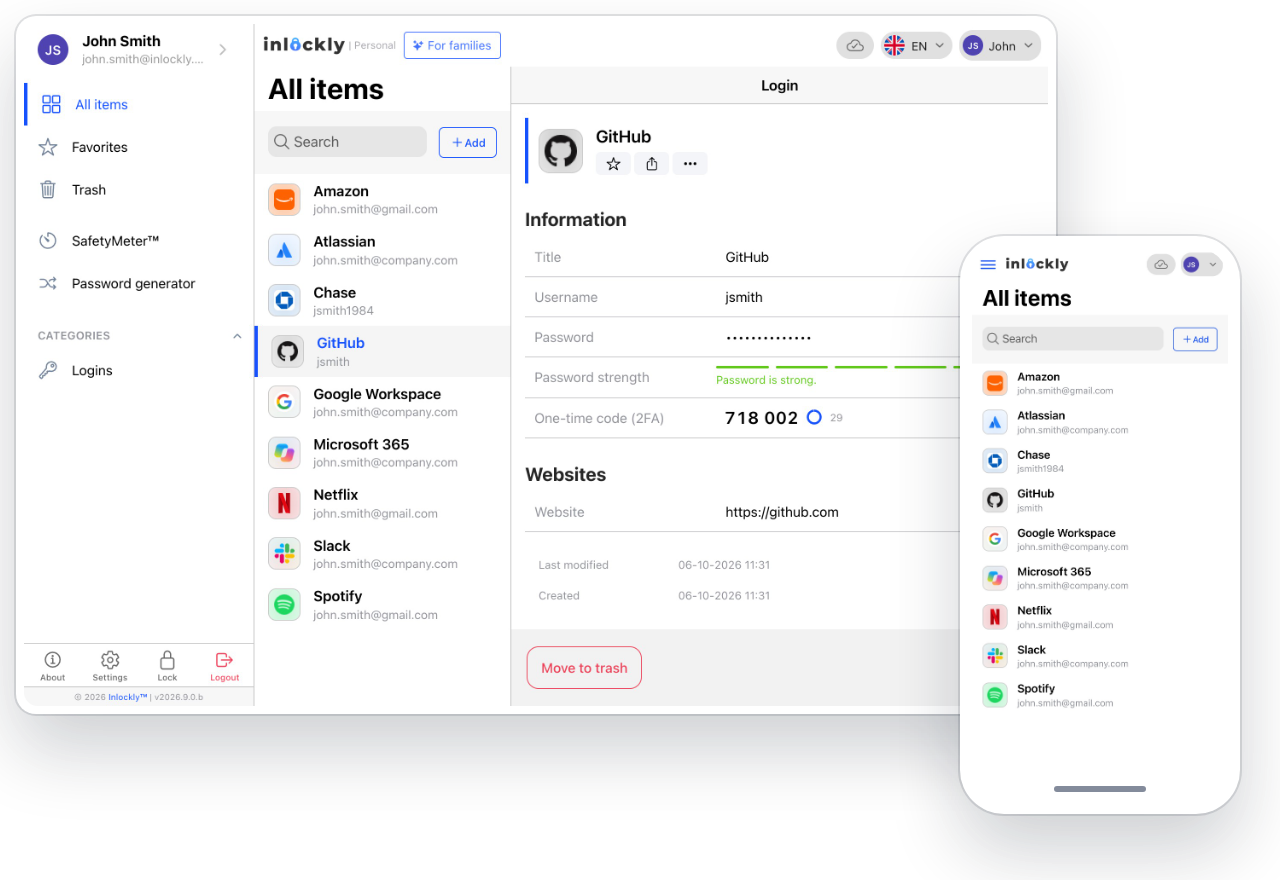
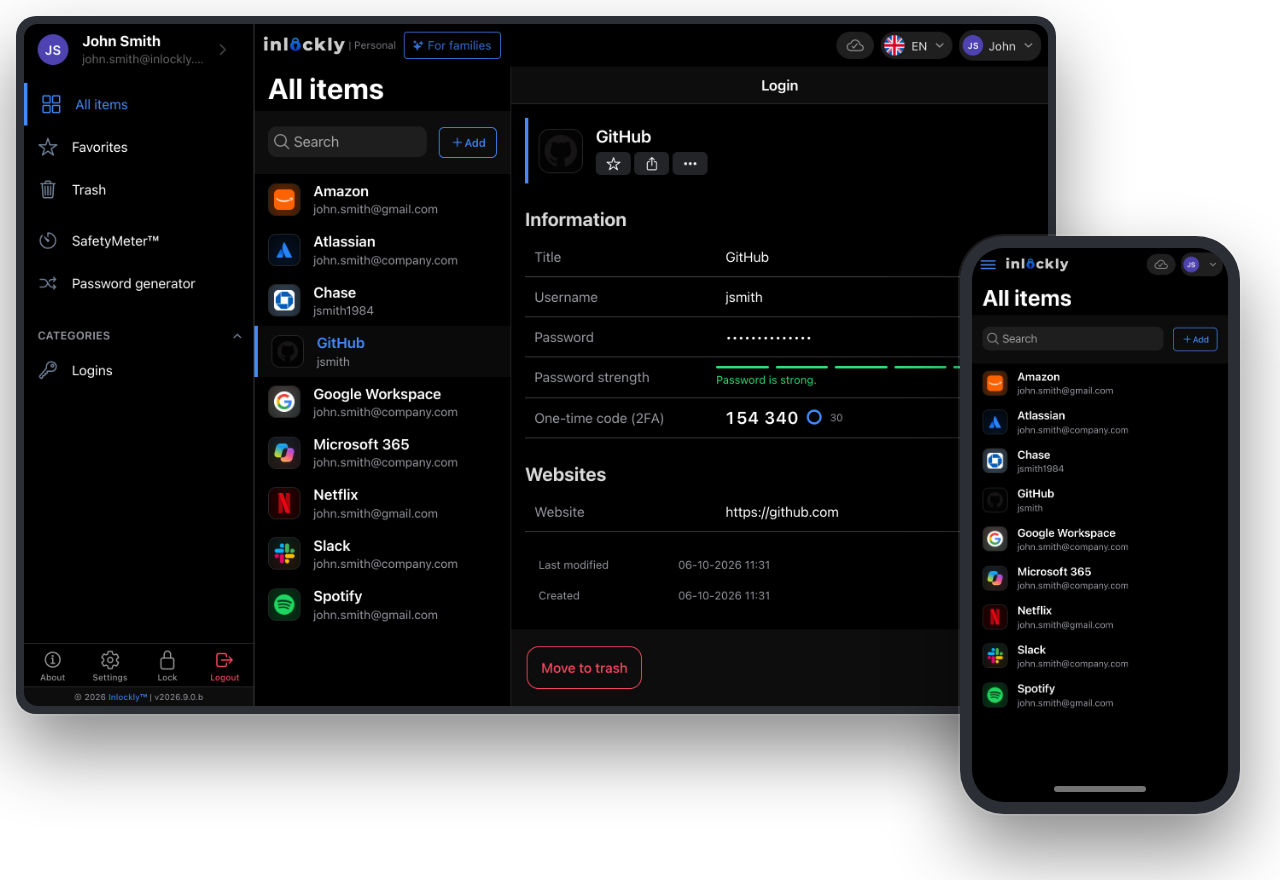
The Inlockly app showing a list of saved itemsThe Inlockly app showing a list of saved items

02 / In everyday use

From your laptop to your phone. No password hunting.

Work at your desk, shopping on your phone, an important document while you travel. With the Personal plan, you use Inlockly on as many devices as you like, and sync keeps your saved data organized.

Choose your app
Tailored to your world

The same vault. Your daily rhythm.

Your computer in the morning, your phone in the afternoon, your tablet at night. The Personal plan gives you unlimited devices, so your passwords and important data go wherever you do.

  • Desktop and mobile apps
  • Extensions for everyday sign-ins
  • Sync for your encrypted vault contents
The Inlockly app on a computer and a phoneThe Inlockly app on a computer and a phone

03 / A good start

From the first step to everyday convenience.

  1. Create your account

    Choose a plan and set a unique master password.

  2. Bring your saved passwords

    Import your data from a browser or another password manager.

  3. Turn on autofill

    Add the extension and start using your saved logins.

Need some guidance? Check out our guides →

04 / Good to know

Have questions?
Start here.

Can I start for free?

Yes. The Free plan lets you use Inlockly on one device. The Personal plan adds more features and unlimited devices.

Which devices does Inlockly work on?

There are apps for Windows, macOS, Linux, iOS, and Android, plus browser extensions. You'll find them all on our Download page.

Does Inlockly know my passwords?

Your vault contents are encrypted on your device. We explain our zero-knowledge model on the Security page.

Inlockly for you

Make room for a calmer day.

Personal plan · 1 person · unlimited devices

Explore the Personal plan